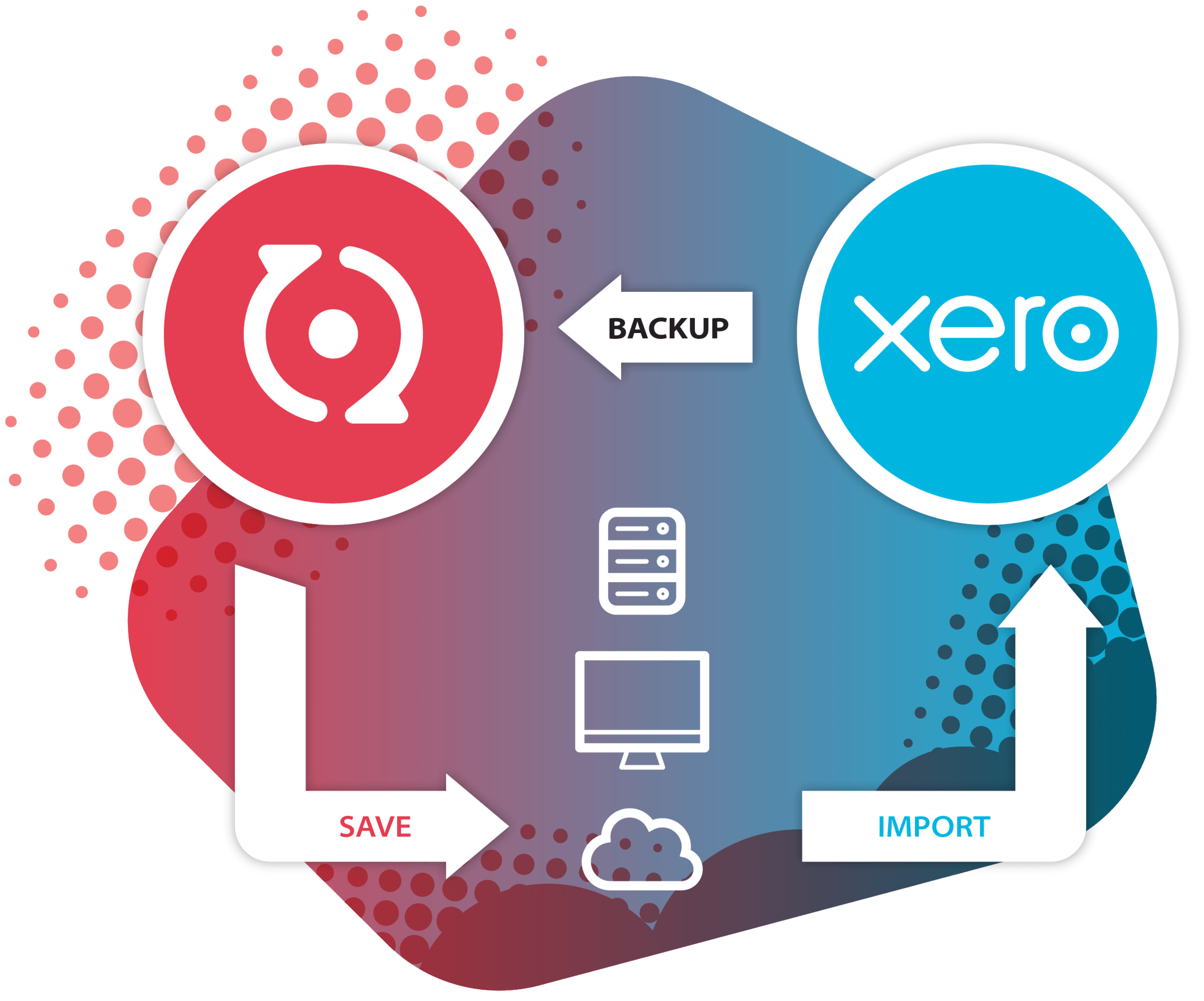
Xero Backup PlansRegular weekly backups of Xero are essential to safeguard your business's valuable data. Without backups, your business is vulnerable. Choose your plans now.
Accountants & Bookkeepers
Xero looks after its platform and recommends you keep your own copy of your data. Xportmydata fills that crucial gap, keeping your clients' financial data safe, accessible, and in storage you control.
In the fast-paced world of financial management, safeguarding sensitive data is essential. Your clients trust you with their records, and when something goes wrong, you are the professional they turn to. Xportmydata gives you a tailored backup solution that aligns with cybersecurity and data protection guidelines, so client data stays secure and accessible.
Why Xportmydata is the Right Choice for Your Clients:
Regular Data Backups: our regular data backup service, including CSV import files, acts as your safety net, helping protect your clients' data.
Secure Cloud Storage: your clients' data is backed up directly into storage you own (OneDrive, Google Drive or Dropbox), so there is no waiting to download from our servers and no data left with a third party. This aligns with recommended IT controls for safeguarding client records.
Xero Files, Payroll and Daily Backups Add-Ons: capture uploaded and attached invoices, receipts, bills, manual journals and cash transactions, plus your Xero Files folder content. Add Daily Backups when you want a fresh copy of your Xero financial data every day. For Australian, New Zealand and UK Xero users, the Payroll Add-On keeps payroll data safely backed up and easy to reach.
Single Download Option: a reliable one-time backup of a client's Xero data, ideal for a business closure or change of ownership.
Cybersecurity Compliance: access is through your existing Xero login, so there are no extra passwords, leveraging Xero's own security in line with cybersecurity best practice.
Leverage Xportmydata
Leverage Xportmydata to help you meet cybersecurity guidelines and give your clients an extra layer of assurance. A clear backup approach supports compliance and shows the care you take with their data.
Ready to get started? Sign up as usual. When you set up your account, indicate that you’re a bookkeeper or accountant. Once we’ve verified that, we’ll apply special pricing on your plan and on Single Download including the option to pay monthly.
Backup tiers that scale with you
Simple, transparent tiered pricing. Pick the tier that matches the number of Xero organisations you manage, and add optional extras when you need them. Everything is backed up to storage you own and control.

Xero Files Add-OnCapture all uploaded and attached invoices, receipts, and images including bills, invoices, manual journals, and cash transactions, along with the content of your Xero files folder.
Xero Payroll Add-OnBackup your Xero payroll data with Xportmydata's Payroll Add-on, available for Australian, New Zealand and UK Xero Payroll. It keeps your payroll records safely backed up and easy to reach when you need them, and helps you keep the payroll and tax records you're required to retain.
Daily Backups Add-OnNeed backups more often than once a week? Add daily Xero backups into the same cloud storage you already control.

SINGLE DOWNLOAD
Download your Xero Data Today!
Opt for a one-time backup of your Xero data. This includes add-ons for Files/uploaded attachments and Payroll (available for Australia, New Zealand & UK only). It's perfect for businesses undergoing a transition, be it closure or change of ownership. Absolutely no subscription needed!
$120
USD (Per Download)
Why use Xportmydata for Xero?
Xero is powerful. It looks after its platform and recommends you keep your own copy of your data. Xportmydata fills that gap. We export your Xero data to clean Excel files, download your attachments exactly as they were uploaded, and generate Xero-ready CSV import files, all delivered into storage you own. Secure, reliable, and fully in your control.

Deletion
Mistakes happen, be it an inadvertent error, a disgruntled employee deleting data, or loss of crucial attachments. The risk is real, but we've got your back.

Cyber Attack
The digital landscape is evolving, increasing cyber threats. Align with cybersecurity standards, safeguard your data, and ensure digital resilience.

Compliance
Many countries' tax regulations require the retention of financial records for specific durations. Effortless compliance by backing up your data, in line with regulations.

Business SOLD
Selling or closing your business? Secure all your Xero data with a single download. Our one-time export has you covered.

Set & Forget
Signing up is a breeze with no new usernames to remember, simply use your Xero login. From there, enjoy automatic weekly backups without lifting a finger.

Import and Export
We create CSV files for the imports Xero allows, and organise your data in Excel. Xero doesn’t offer a full restore from a backup, something a lot of people don’t realise, so our exports give you Xero-ready CSV import files and clear Excel copies when you need them.

